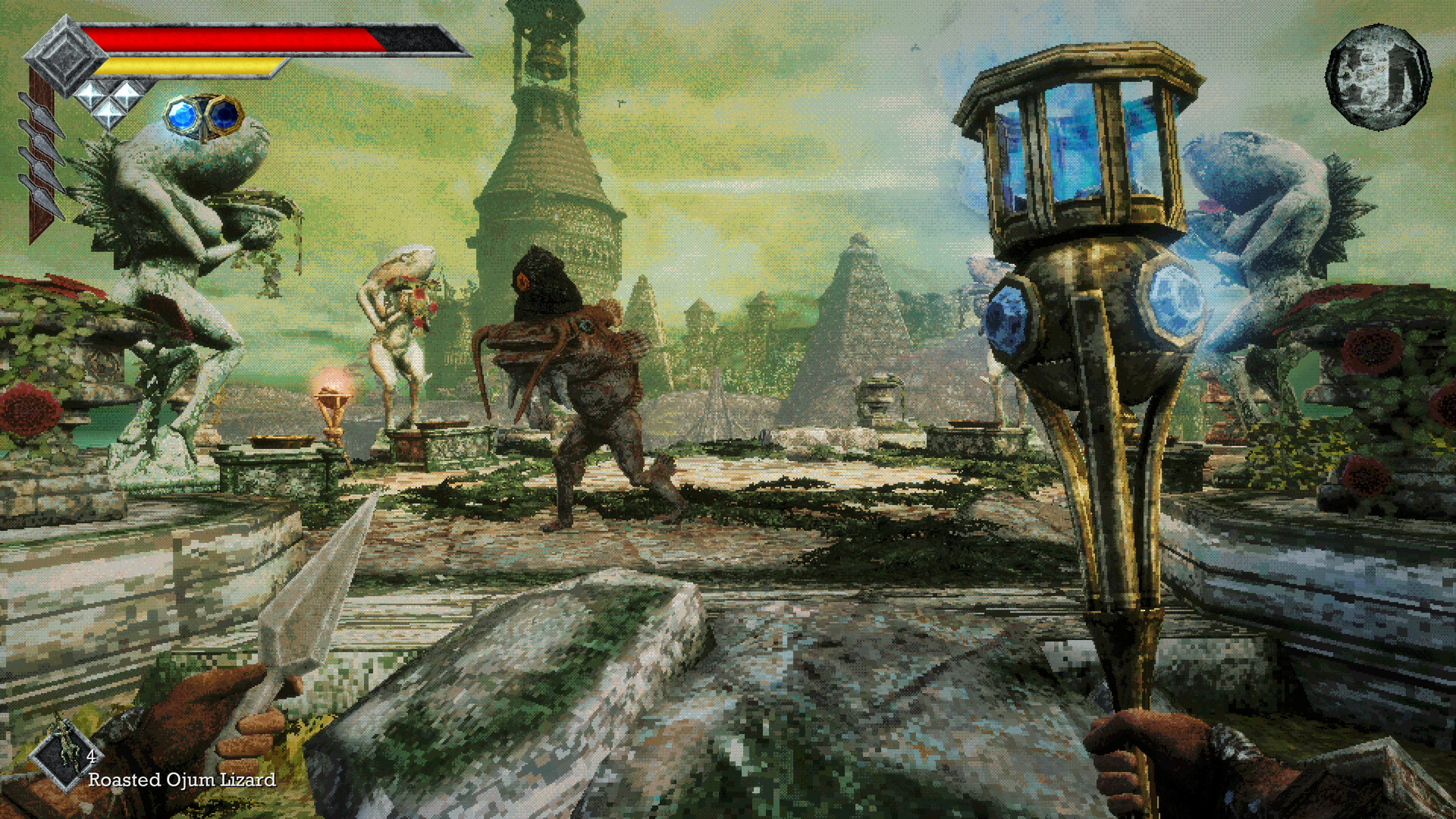
Your Download and Setup Answers
Queen's Domain has a free Steam demo and a paid full release for Windows PC, PlayStation 5, Xbox Series X|S and Nintendo Switch 2. The full game released on October 30, 2026; the links, US prices and requirements below help you choose your version and prepare to play.
Download the Demo or Get the Full Game
Download Queen's Domain Demo through its separate Steam page. It covers an introductory portion of the Isle of Neasied, including the opening dungeon and boss, while the full game offers the larger interconnected island.
The demo released on December 4, 2025, and has five achievements; the complete game has 53. Choose the demo to try the opening adventure before deciding whether to buy the full release.
- Open the free Queen's Domain Demo on Steam to download the introductory adventure.
- Compare your computer with the Windows requirements below before choosing the PC release.
- Open Queen's Domain on Steam to buy the complete Windows PC game.
Compare US Prices
| Product | US Price |
|---|---|
| Queen's Domain Demo on Steam | Free standalone PC demo. |
Check the total displayed by your chosen store before paying. If you shop in another region, use that store's local price when deciding what to buy.
Choose Your Platform and Store
Queen's Domain is released for Windows PC through Steam, PlayStation 5, Xbox Series X|S and Nintendo Switch 2. For Nintendo hardware, use the listing specifically named for Nintendo Switch 2.
| Platform | Store |
|---|---|
| Windows PC | Get Queen's Domain for Windows PC on Steam. |
| PlayStation 5 | Get Queen's Domain for PlayStation 5 on the PlayStation Store. |
| Xbox Series X|S | Get Queen's Domain for Xbox Series X|S on the Xbox store. |
| Nintendo Switch 2 | Open Queen's Domain for Nintendo Switch 2 in the Nintendo store. |
Check the PC System Requirements
The minimum PC specification starts with 64-bit Windows 10. Compare your processor, memory and graphics card with the table, then check DirectX support and available storage before downloading.
| Minimum | Recommended |
|---|---|
| Operating system: 64-bit Windows 10. | Operating system: Windows 10. |
| Processor: Intel Core i5, quad-core, 2.5 GHz. | Processor: Intel Core i5, quad-core, 3.5 GHz. |
| Memory: 4 GB RAM. | Memory: 6 GB RAM. |
| Graphics: NVIDIA GTX 760 or AMD RX 560. | Graphics: GTX 1060 or AMD RX 580. |
| DirectX: Version 11. | DirectX: Version 11. |
| Storage: 1500 MB available space. | Storage: 1500 MB available space. |
- Check the exact processor and graphics model in your computer before comparing it with the listed hardware.
- Review memory, operating system and available storage alongside the processor and graphics requirements.
- Use the demo to judge how the opening adventure feels on the computer you intend to use.
Steam Deck, Display and Release Questions
- Can I play Queen's Domain on Steam Deck?
- Yes. Queen's Domain is Steam Deck Verified. Launch-day players also reported frame-rate drops, so check how it feels during play before settling on your preferred performance settings.
- Which Steam Deck settings can I try?
- A launch-day player reported a workable personal setup using 12 W TDP and a 45 FPS cap. Treat those values as a starting point to try on your own device, then adjust according to the responsiveness and smoothness you prefer.
- How do I use an ultrawide display?
- Find the aspect-ratio setting beneath resolution and choose the option that suits your display. The full release supports unlocked aspect ratios and presets for 32:9, 21:9, 16:9 and 4:3. If the image stays constrained, check whether the default locked 16:9 option is still selected.
- What is the full game's release status?
- Queen's Domain is fully released, with October 30, 2026, listed as its release date on Steam, Xbox, Nintendo and PlayStation. You can choose a released version from the platform links above.
- Does the Steam version support controllers?
- Yes. The Steam version lists full controller support, including DualShock and DualSense controller support. It also lists Steam Cloud, Steam Achievements and Family Sharing among its features.
- Which languages does Steam list?
- Steam lists English, French, German, Spanish - Spain, Japanese, Portuguese - Brazil, Russian and Simplified Chinese as supported languages. Check the store's language table for the specific language options that matter to your purchase.